


Vinyl Vibes™ – Music Box
Vinyl Vibes™ – Music Box
🎧 Your music, displayed & played
💿 Rotate records for every mood
✨ A vibe piece for any space
No se pudo cargar la disponibilidad de retiro

Vinyl Vibes™ – Music Box
-

Got this for my boyfriend and he literally gasped when he opened it. We've had it for two weeks and it hasn't left the living room..
-

Been an MC fan my whole life. This thing sits on my desk and every time I drop a disc it still feels like magic. Insane gift idea
-

Wow, this is seriously amazing! It totally blew me away. The quality is insane, and it's such a unique and original gift. Thank you so much!


How do I add my own music to the vinyl?

How do I add my own music to the vinyl?
Adding your own song to the VinlyVibes Music Box is simple and takes less than a few minutes.
Step 1 - Connect the player
Use the included USB-C cable to connect the player to your computer.
Step 2 - Open the folder
A folder named "NO NAME" will appear on your computer.
Step 3 - Choose a disc
Inside, you will find folders numbered 1-9. Each folder corresponds to a magnetic disc with the same number on the back.
Step 4
Add your song
Drag and drop your MP3 file into the corresponding folder.
Example: If you want a song to play on Disc 1, place it in Folder 1.
Repeat this process for all discs to fully customize them to your liking.
Step 5 - Play and enjoy
Safely eject the device, attach a disc, and your song is ready to play.
Want to change a song?
Simply delete the MP3 file from the corresponding folder and add the new MP3 file you would like to use
What's Included?
What's Included?
- 1 Vinyl music box
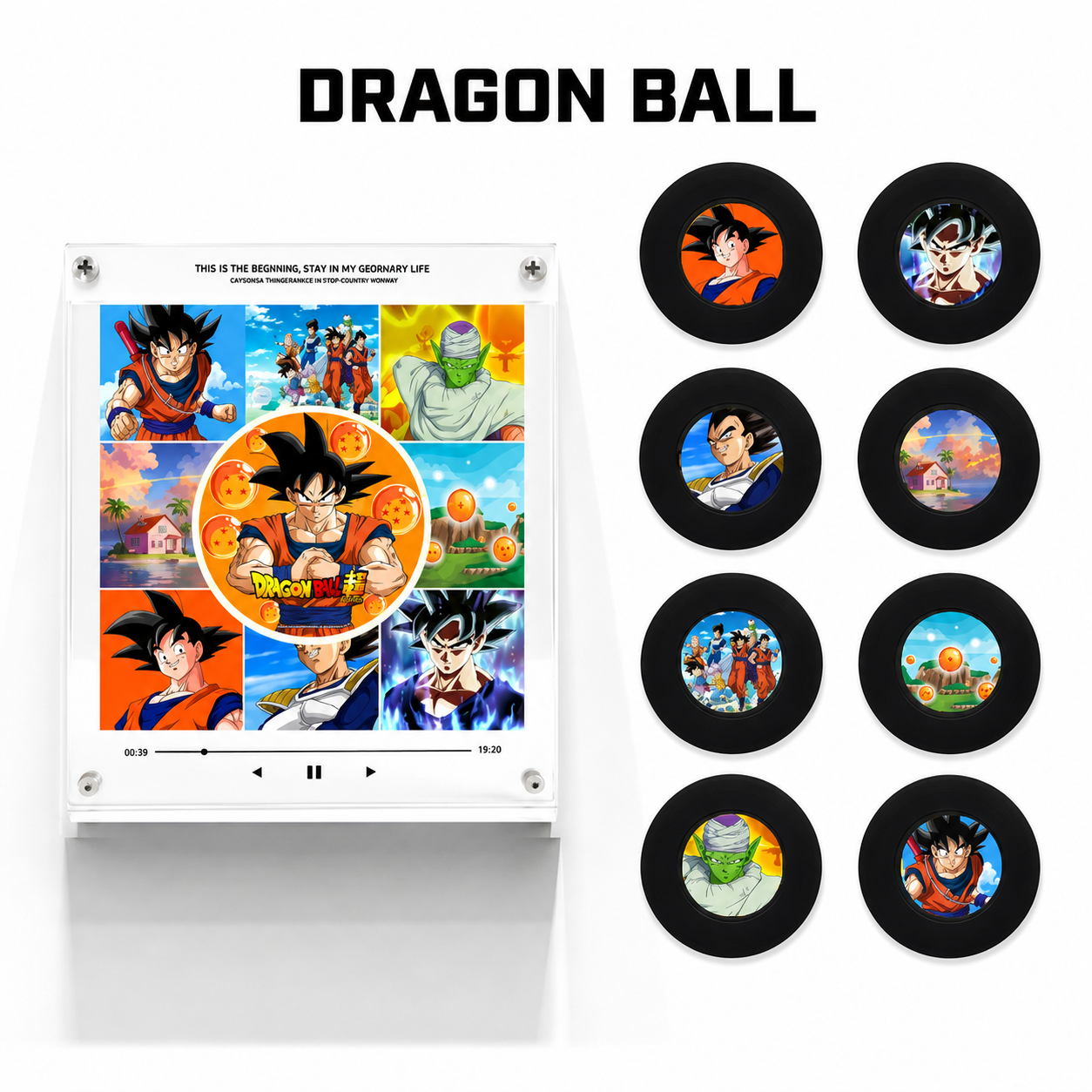
- 9 customized photo discs
- USB cable to import music

Shipping Information

Shipping Information
Shipping has a processing time of 2 to 5 business days.
Order delivery time is 5 to 15 business days.
If you have any questions, please feel free to contact us


Join +218 Satisfied Customers!


FAQs
How does it work?
How does it work?
The discs come blank, allowing you to add any songs you like by following the easy step-by-step guide included in every package and available on our website.
Once your music has been added, simply place a disc near the player. The player will automatically recognize the disc, illuminate the background image, and begin playing the songs you assigned to that disc. At the same time, the disc will start spinning, creating the effect of a real vinyl record.
When no disc is attached, the background remains unlit and no music is played.
How do I set up the songs once I receive it?
How do I set up the songs once I receive it?
Adding your own song to the VinlyVibes Music Box is simple and takes less than a few minutes.
Step 1 - Connect the player
Use the included USB-C cable to connect the player to your computer.
Step 2 - Open the folder
A folder named "NO NAME" will appear on your computer.
Step 3 - Choose a disc
Inside, you will find folders numbered 1-9. Each folder corresponds to a magnetic disc with the same number on the back.
Step 4
Add your song
Drag and drop your MP3 file into the corresponding folder.
Example: If you want a song to play on Disc 1, place it in Folder 1.
Repeat this process for all discs to fully customize them to your liking.
Step 5 - Play and enjoy
Safely eject the device, attach a disc, and your song is ready to play.
Want to change a song?
Simply delete the MP3 file from the corresponding folder and add the new MP3 file you would like to use
Can I connect my Replay Music Player to Mac and Windows?
Can I connect my Replay Music Player to Mac and Windows?
Yes Replay Music Player can be connected to both Mac and Windows using the included USB-C cable.
How long does the battery last?
How long does the battery last?
Up to 8 hours of continuous playback on a full charge. Charges via USB-C in about 2 hours.
How do I get MP3 files for my songs?
How do I get MP3 files for my songs?
You can easily convert your favorite songs into MP3 files using any online MP3 converter in just a few seconds.

Turn any space into a vibe
Add music to your routine without even thinking about it. Whether it's on your fridge or desk, it becomes part of your space. Open on your phone. Not just something you.


It's Not Just Listening - It's Truly Feeling
It Replay the songs that made you smile, fall in love, travel, dream, and remember. A unique keepsake designed to bring your favorite moments back to life with a single tap.
Shrine Theme
Shrine Theme
Shrine Theme
Shrine Theme
Shrine Theme
Shrine Theme
Shrine Theme
Shrine Theme
Shrine Theme
Shrine Theme
Shrine Theme
Shrine Theme
Shrine Theme
Shrine Theme
Shrine Theme
Shrine Theme
Shrine Theme
Shrine Theme
Shrine Theme
Shrine Theme
Shrine Theme
Shrine Theme
Shrine Theme
Shrine Theme
Shrine Theme
Shrine Theme
Shrine Theme
Shrine Theme
Shrine Theme
Shrine Theme
Shrine Theme
Shrine Theme
Shrine Theme
Shrine Theme
Shrine Theme
Shrine Theme